Setting up Discord domain connection with your ill.my.id subdomain
Get your verification string
-
Open your Discord app and press
Settings.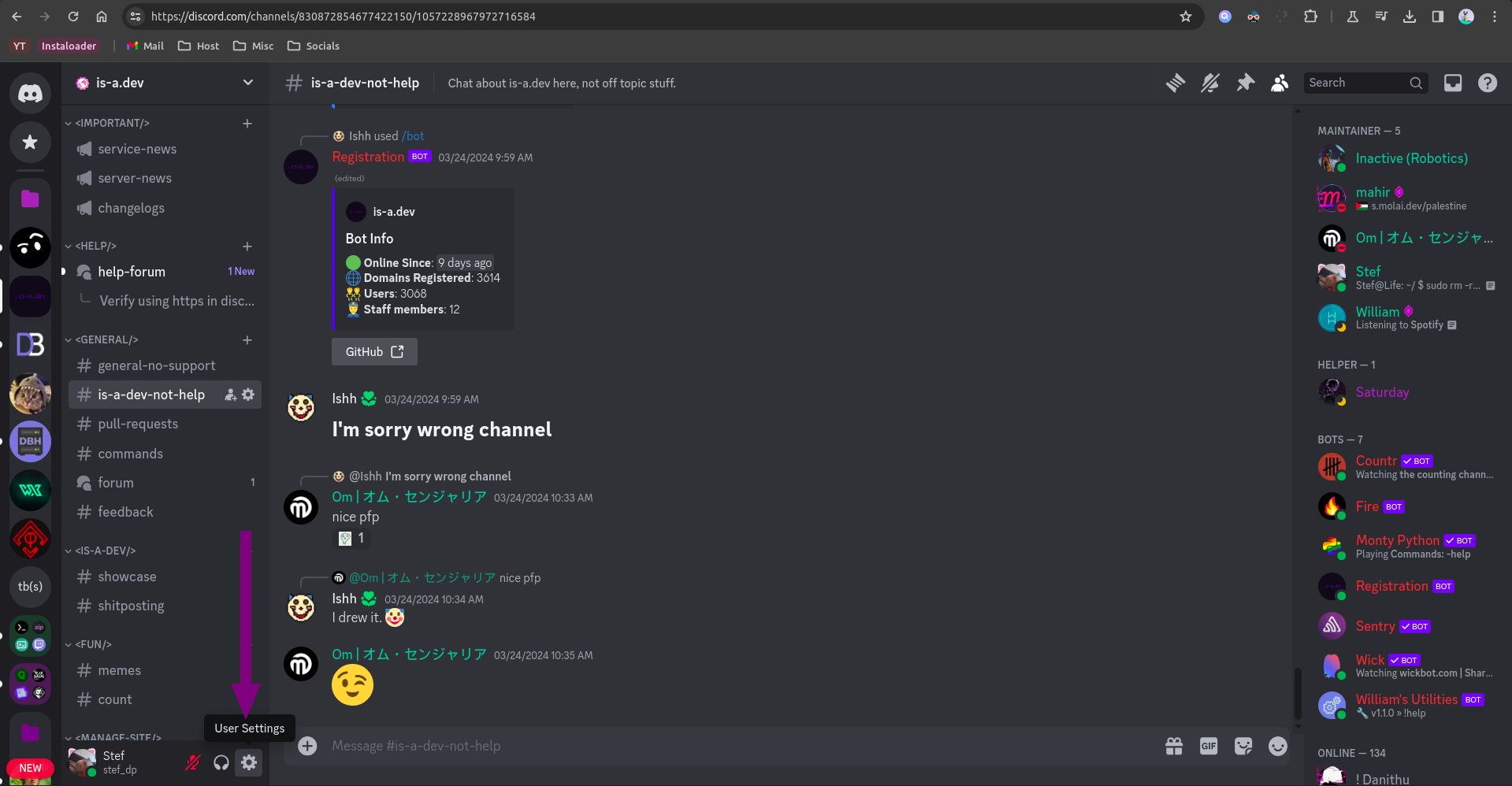
-
Open the
Connectionssection.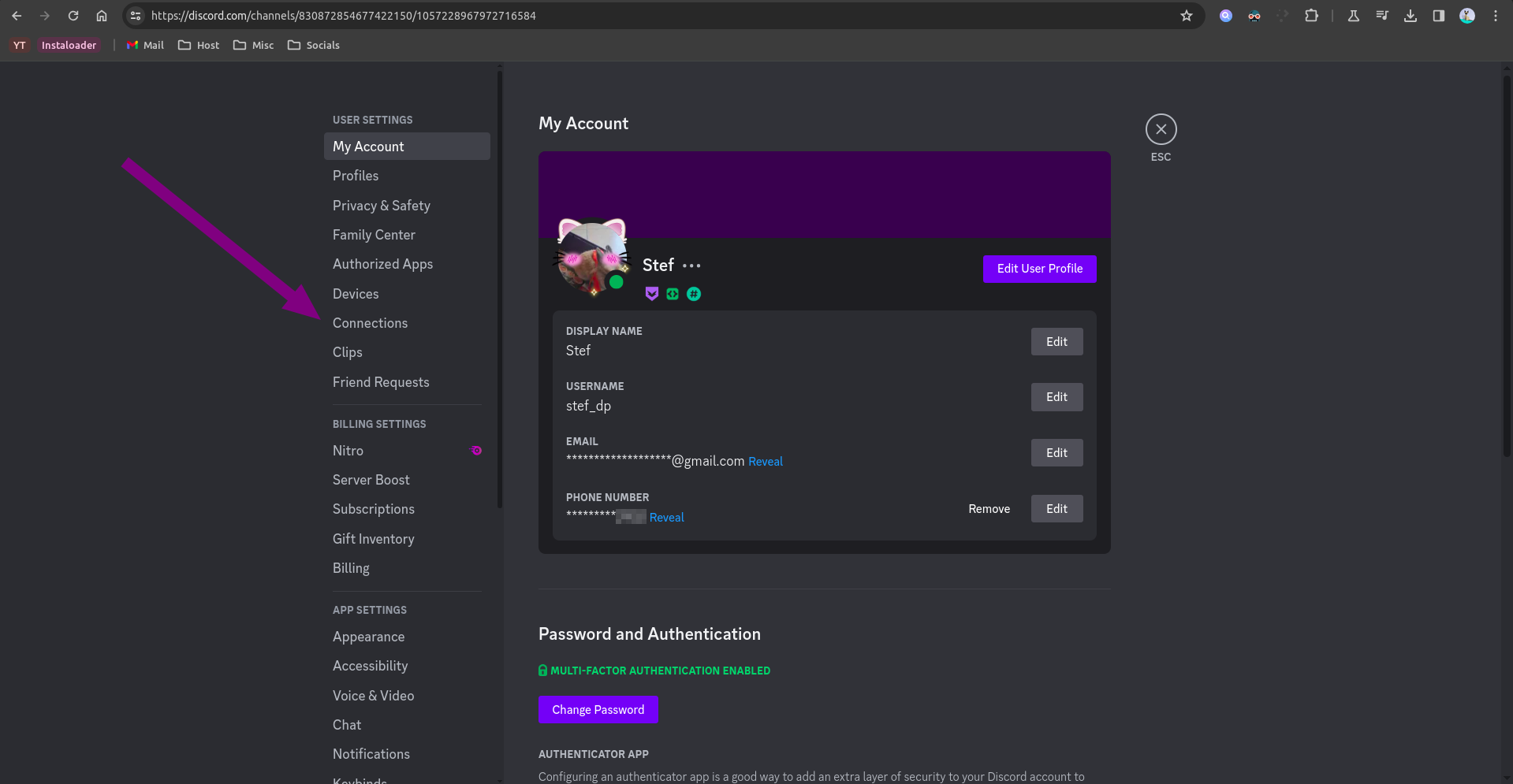
-
Press the
View morebutton.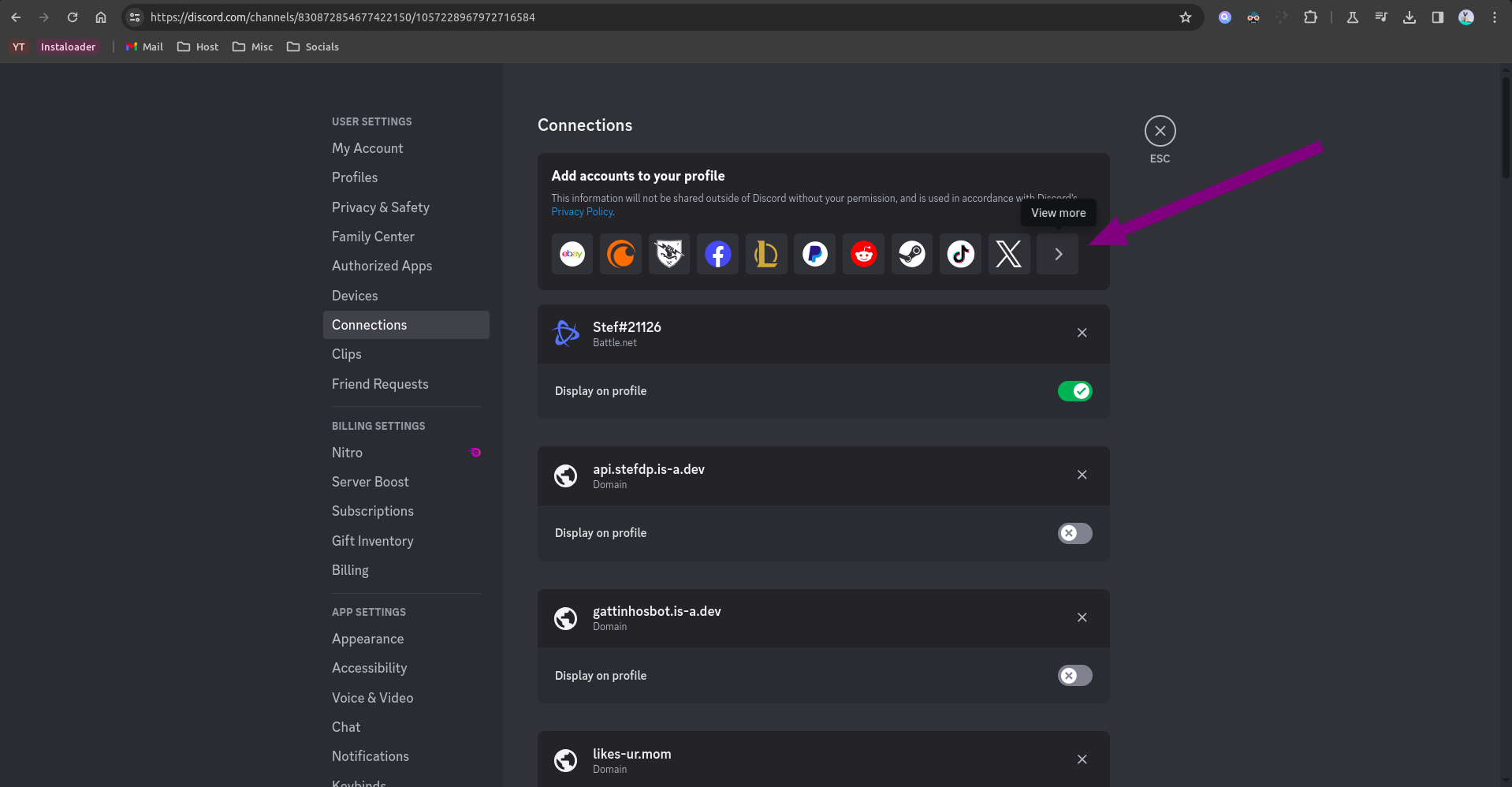
-
Click on the domain button (the globe icon).
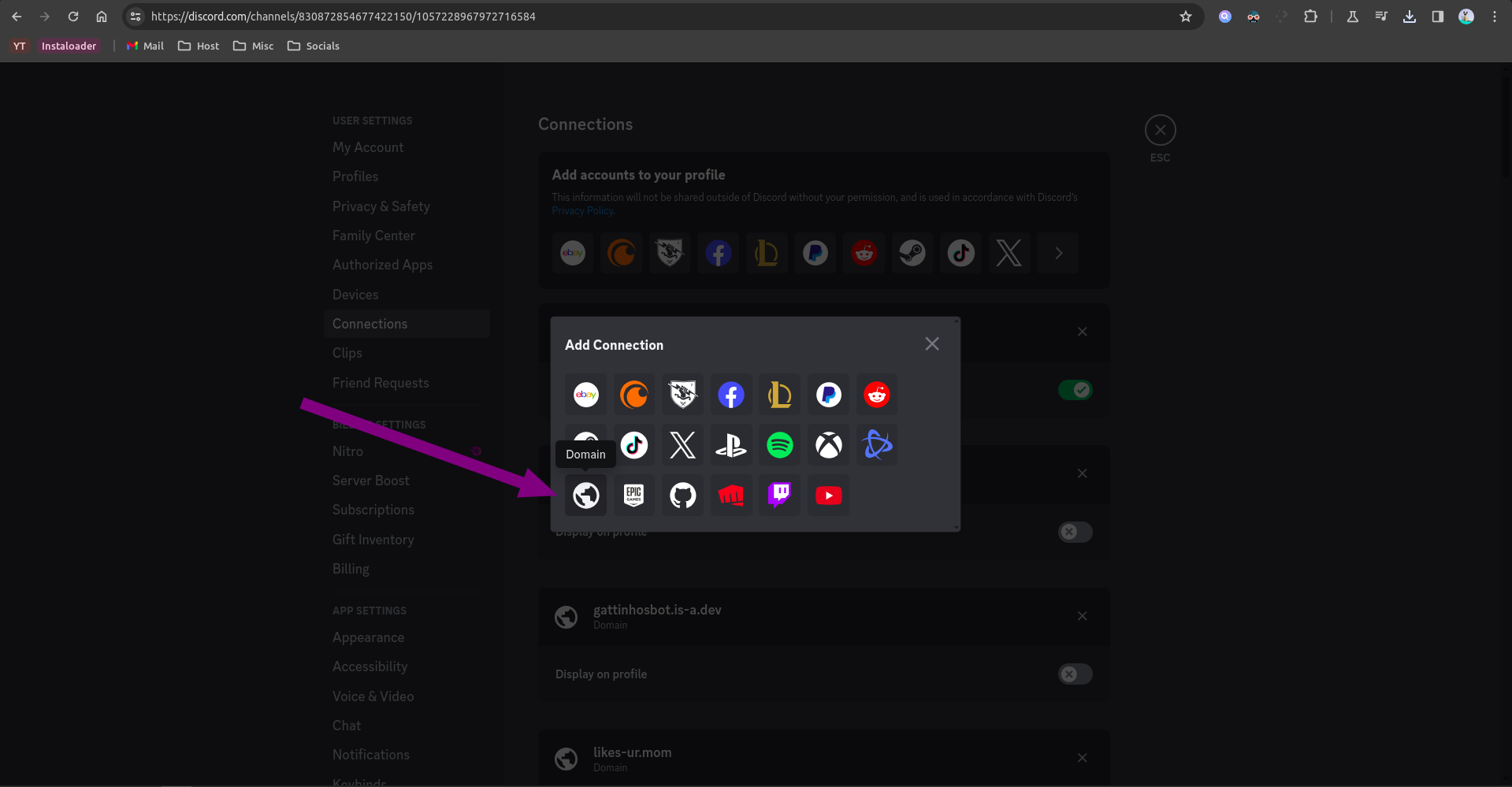
-
In the field that appears type your ill.my.id domain name (e.g.
your-domain.ill.my.id).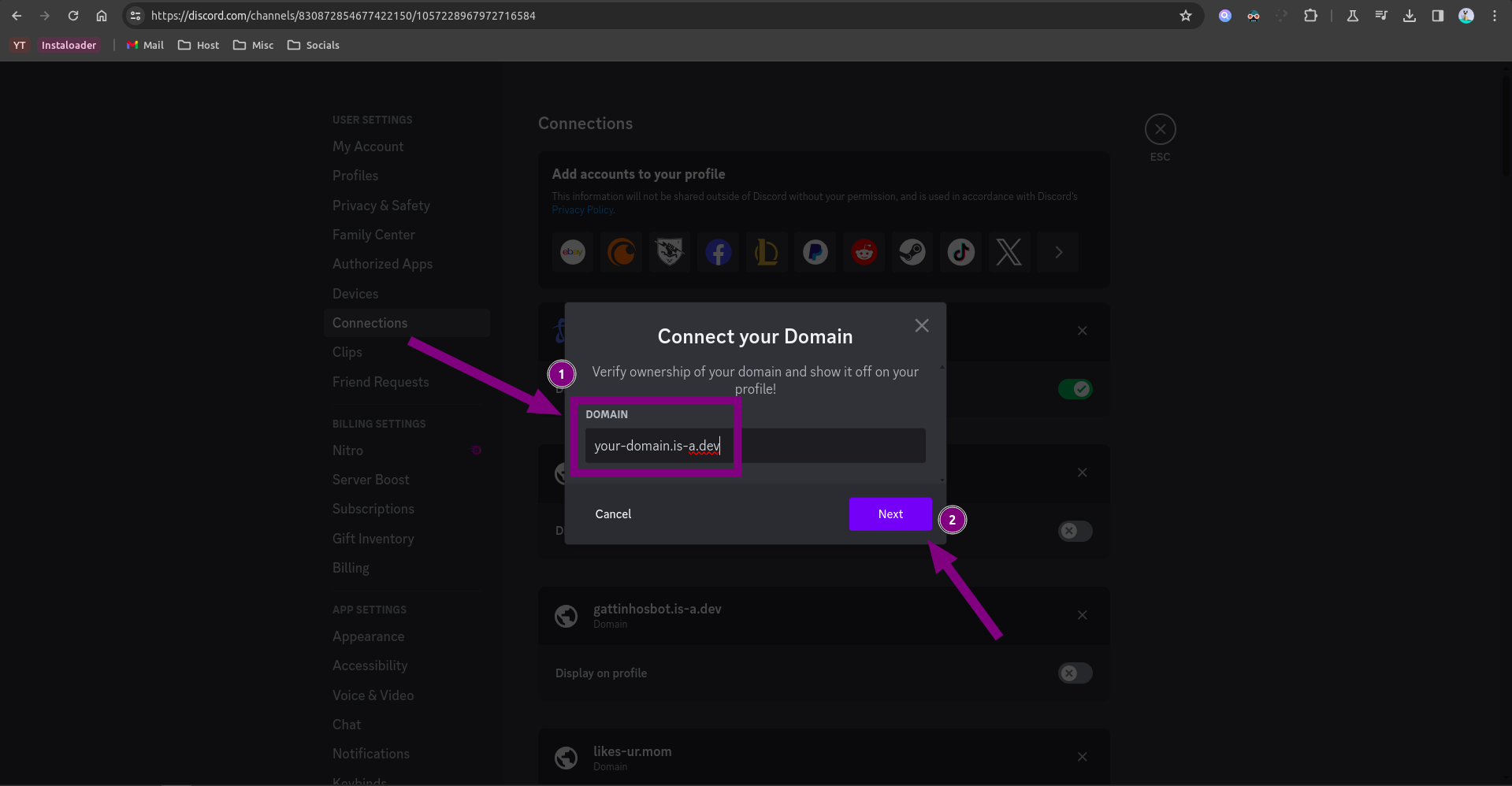
-
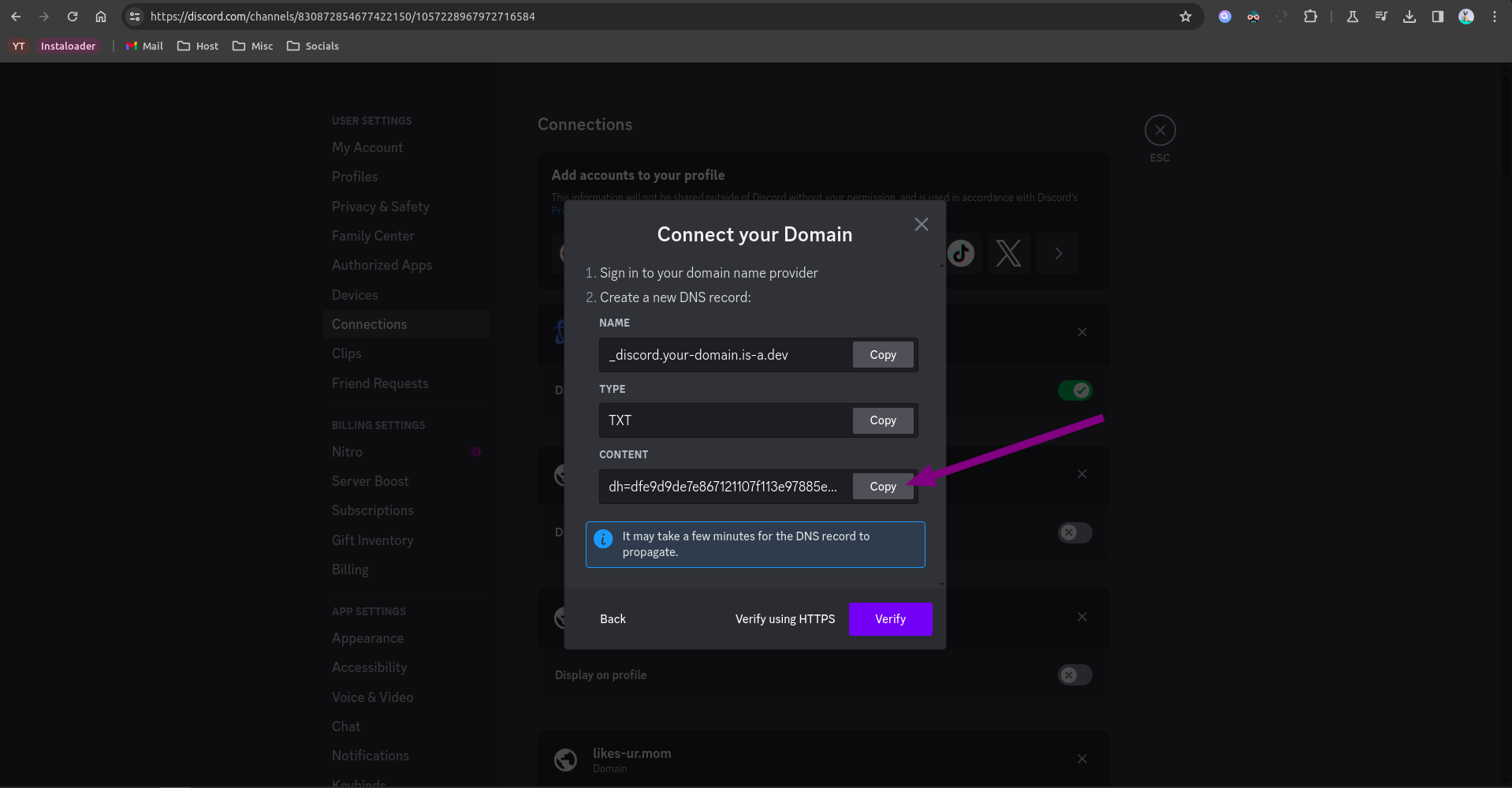
Copy the verification string.
Create your domain file
Create a JSON file inside the domains/ directory called domains/_discord.your-domain.json with the following content:
{
    "owner": {
        "username": "your-github-username"
    },
    "records": {
        "TXT": "discord-verification-string"
    }
}
Note: Don’t forget the comma right above the "records" key!
Configuration
After your pull request has been merged, repeat steps 1-5 and press the Verify button.
If it shows any error such as Unable to verify your domain, try waiting a few minutes (sometimes up to 24 hours) as the DNS might not have propagated yet.